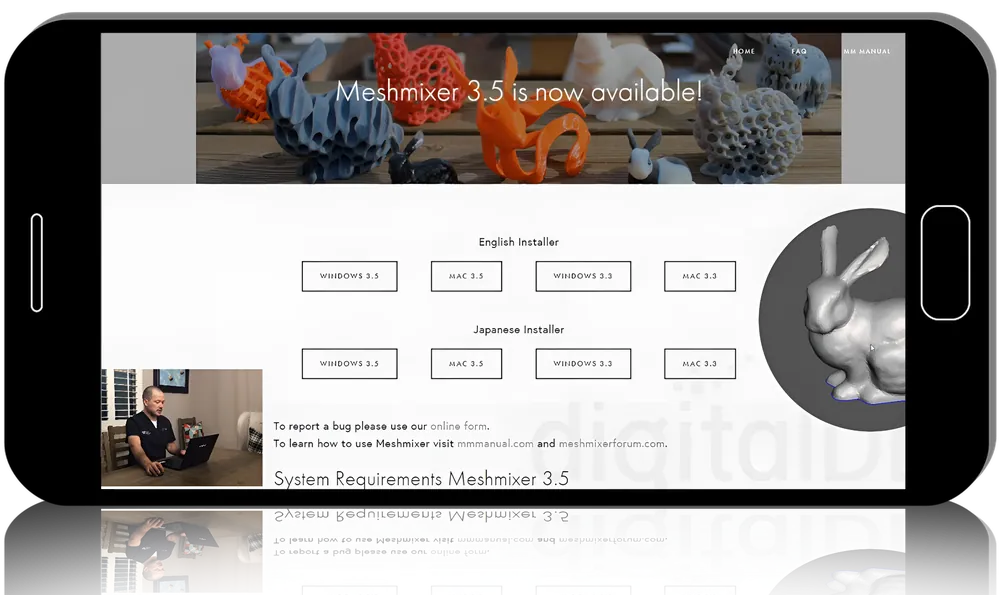
Course Overview
- This course is an introduction to Meshmixer. There are three parts to this course.1) INTRODUCTION
- We'll walk through installation, setup, adding teeth libraries, etc. This is intended for those who are completely new to Meshmixer and need a little guidance getting off to a good start.2) TOOLS
The "magic" in Meshmixer starts as you gain a better understanding of the tools that Meshmixer has, from simple tools like import to more complex tools like Boolean operations. You will see a lot of the common reasons tools fails and how to get past them. If you have used Meshmixer, but get frustrated with errors or software crashes, this is the place to start. The Meshmixer tools covered include: Meshmix, Deform, Modify, Erase and Fill, Discard, Reduce, Remesh, Extrude, Extract, Offset, Tube Handle, Bridge, Join, Weld Boundaries, Separate, Plane Cut, Flip Normals, Fit Primitives, Align to Target, Attract to Target, Sculpting, Stamp, Mirror, Duplicate, Transform, Align, Create Pivot, Close Cracks, Generate Face Groups, Make Solid, Hollow, Make Pattern, Separate Shells, Add Tube, Unwrap, Generate Complex, Boolean Difference, Boolean Union, Boolean Intersection, Inspector, Units/Dimensions, Measure, Mesh Query, Thickness, Strength, Stability, Orientation, Layout/Packing, Overhangs, Slicing, Deviation, Clearance, and Shaders.3) DENTAL
Finally, we will take the tools you just mastered and use them in dental applications. For example, taking tools like select, discard, smooth boundary, and extrude to trim and base an intraoral scan. We will cover some very basic applications and then flirt with some more complex uses. If you already know Meshmixer, but want to see someone else's methods, this is the place to be.
The dental applications include:
- Aligning scans to the plane
- Cleaning and Trimming Scans
- Adding a Base to the Scans
- Hollowing Models
- Adding an Ortho Base
- Digitally Extracting Teeth
- Tooth Set-ups (Basic, Anterior Rehab, and Full Rehab)
- Adding Articulator Pins
- Essix Retainers
- Editing a Surgical Guide
- Upon completion of this course, you can learn more about Meshmixer in Nate's next course that will cover complex applications.
Full Course Program
1. Introduction
- Lesson 1: Introduction
- Lesson 2: Installation, setup and teeth
- Lesson 3: Meshmixer walk-trough
- Lesson 4: Very basic tools
- Lesson 5: Triangles!
Duration: 56 min
Tools
- Lesson 1: Meshmix
- Lesson 2: Select-deform & modify
- Lesson 3: Select-edit-erase & fill, discard, reduce, remesh
- Lesson 4: Select-edit-extrude,extract,offset
- Lesson 5: Select-edit-tube handle, bridge, join, weld boundaries, separate
- Lesson 6: Select-edit-plane cut, flip normals, fit primitives
- Lesson 7: Select-edit-align to target, attract to target, sculpting-attract brush
- Lesson 8: Sculpt-brushes
- Lesson 9: Sculpt-example
- Lesson 10: Stamp
- Lesson 11: Edit-mirror, duplicate, transform
- Lesson 12: Edit-align, create pivot, plane cut
- Lesson 13: Edit-close cracks, generate face groups, make solid
- Lesson 14: Edit-hollow, make pattern, separate shells
- Lesson 15: Edit-add tube, unwrap, generate complex
- Lesson 16: Edit-Multiple meshes-special menu
- Lesson 17: Edit-Multiple meshes-boolean operations
- Lesson 18: Analysis-inspector, units/dimensions, measure
- Lesson 19: Analysis-mesh query, thickness, strength, stability
- Lesson 20: Analysis-orientation, layout/packing, overhangs, slicing
- Lesson 21: Analysis-multiple meshes-special menu, deviation, clearance
- Lesson 22: Shaders
Duration: 7 h 33 min
Dental
- Lesson 1: Introduction to dental applications
- Lesson 2: Aligning scans to the plane
- Lesson 3: Cleaning and trimming scans
- Lesson 4: Adding a base to the scans
- Lesson 5: Hollowing an ortho base
- Lesson 6: Adding an ortho base
- Lesson 7: Digitally extracting teeth
- Lesson 8: Tooth set-up - basics
- Lesson 9: Tooth set-up - anterior rehab
- Lesson 10: Tooth set-up - full rehab
- Lesson 11: Adding articulating pins
- Lesson 12: Essix retainers
- Lesson 13: Editing a simple surgical guide
Duration: 4 h 46 min