Skip to product information
1 of 1
🏷️ Save up to 80% on all courses, discount auto applied

IN-OFFICE ALIGNERS: profitable treatment option for doctors, more effective treatment process for patients

IN-OFFICE ALIGNERS: profitable treatment option for doctors, more effective treatment process for patients

Regular price $57.00 USD
Regular price $217.00 USD Sale price $57.00 USD
Sale Sold out
Shipping calculated at checkout.
Girl in a jacket

Instant Download

Your unique course download link appears right after you complete your purchase, and is also sent instantly to the email address you provided.

Professors

Target audience

General dentists; Orthodontists; Prosthodontists; Clinic owners & managers

Nb of lessons

9

Nb of modules

Course duration

12 h

Delivery method

Google Drive Link, Offline

Course Overview

An easy way to start designing and manufacturing aligners on your own! A profitable treatment option for doctors and a more effective treatment process for patients.

The course is designed for:

  • Beginners in orthodontics: you will learn the biomechanical aspects of aligners treatment and be able to design as well as manufacture aligners yourself at the very beginning of your career!
  • Expert specialists in orthodontics: during the course you will be able to acquire numerous protocols and tips from the lecturer
  • Prosthodontist: you will be able to treat mild forms of malocclusions yourself and prepare the patient for prosthetics
  • Clinic Managers: you will explore all the equipment's needed to be purchased to begin manufacturing aligners and take your clinic to a whole new level!

Full Course Program

Basics of 3D Printing of Aligners: Scanners and Printers

  • Lesson program
  • Importance of 3D technologies in orthodontics
  • Parts of Digital Orthodontics
  • Scanners3D printing simplified

Types of 3D printers:

  • FDM Printers
  • SLA Printers
  • Metal/DMLS printings
  • DLP/LCD Printers.
  • Build platform in 3D printers
  • LCD module
  • The expensive 3D printers
  • Low cost DLP printer
  • Criteria for choosing a printer
  • Resin 3D printer calibration
  • Supports in 3D printing
  • Saving cost of 3D printing
  • Horizontal and vertical printing
  • Live placement of models and supports in Chitubox software.

Recommended for: Orthodontists, General dentists.
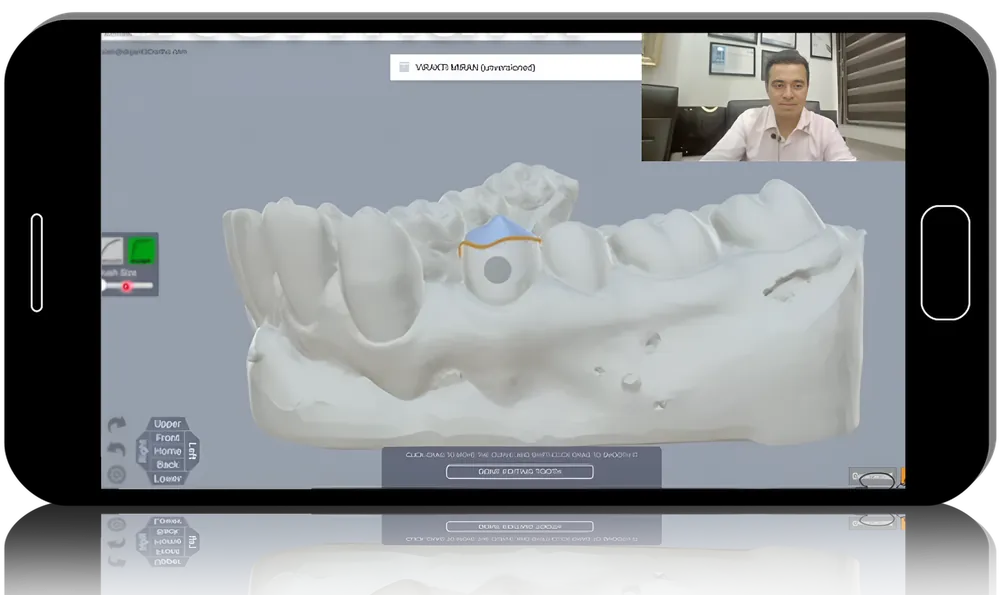
Duration: 1 h 29 min

Aligner modeling

  • Lesson program
  • Typical aligner manufacturing steps
  • Scan strategies
  • Intraoral scanning demonstration
  • Bubbles in scan
  • Designing aligners
  • Workflow using Arch
  • Form Software
  • Tips for the design of aligner
  • The art of delegation3D printer workflow
  • Post process
  • Print check
  • Tips and tricks for 3D printing
  • Thermoformers
  • Types of thermoformers
  • Aligners and attachments sheets specs
  • Trim-check.

Recommended for: Orthodontists, General dentists.

Duration: 1 h

Case setup using Onyx

  • Ceph
  • Lesson program
  • Import scans
  • Orient scans
  • Creating digital base
  • Segmentation/digital kesling set-up
  • Defining VTO (Visualised treatment objective)
  • Balance in X-Y-Z axis
  • Attachments planning
  • Building personalized attachments
  • Staging tooth movements
  • Adding 3D objects to the designed aligner treatment plan
  • Pontic creation in extraction cases
  • Exporting models and special features.

Recommended for: Orthodontists, General dentists.

Duration: 1 h 53 min

Case setup using Arch

  • Form
  • Lesson program
  • Keyboard shortcuts
  • Import scans
  • Orient scans
  • Trim excess
  • Segmentation/digital kesling setup
  • Defining VTO (Visualised treatment objective)
  • Attachments planning
  • Aligner staging/velocity
  • Movement calibration
  • Sequential staging
  • Attachments
  • Unique features of Arch

Form:

  • Cutouts
  • Pontics
  • Bitestops
  • Bite shifts
  • Auto trimming.
  • Export options
  • Aligner numbering
  • New features of Arch
  • Form 1.9.5.

Recommended for: Orthodontists, General dentists.

Duration: 1 h 52 min

Aligner biomechanics: spacing and crowding cases

  • Lesson program
  • Difference between aligners and fixed orthodontics
  • Case selection

Attachments:

  • Role
  • Importance
  • Master attachment
  • Planning
  • Buccal tipping
  • Location.
  • Aligner retention
  • Advised initial cases
  • Planning protocol
  • Basic aligner treatment planning for spacing cases
  • Mistakes in spacing cases
  • Aligner biomechanics with crowding
  • Treatment with Invisalign
  • Step by step clinical cases analysis.

Recommended for: Orthodontists, General dentists.

Duration: 1 h 9 min

Aligner biomechanics: deep bite, open bite, and crossbite

  • Lesson program
  • Deep bite treatment features
  • Clinical case: deep bite treatment with Invisalign
  • Digital treatment planning of deep bite
  • Clinical case: crowding and deep bite treatment
  • Open bite treatment features
  • Anterior open bite closing
  • Anterior extrusion
  • Posterior intrusion
  • Digital treatment planning of open bite
  • Crossbite treatment features

Clinical case:

  • Сrowding and crossbite treatment
  • Сlass 3 and crossbite treatment
  • Single molar crossbite treatment.

Bilateral crossbite (sceletal) treatment.

Recommended for: Orthodontists, General dentists.

Duration: 1 h 8 min

Aligner biomechanics: sequential distalization and extractions

Lesson program

Molar distalization:

  • Features
  • Clinical cases3D treatment planning.
  • Class 2 distalization with elastics usage
  • Non compliant distalization
  • Palatal approach to distalization

Extraction with fixed orthodontics:

  • Anchorage
  • Complications
  • Uncontrolled tipping prevention.
  • Extraction space closure: fixed appliances vs aligners
  • Extraction with aligners
  • Reciprocal anchorage
  • G6 protocol of aligners
  • Clinical cases analysis
  • Specific attachments.

Recommended for: Orthodontists, General dentists.

Duration: 1 h

Manual workflow in aligner fabrication

  • Lesson program
  • Typical aligner workflow
  • Scan strategies3D scanning
  • Arrange models in 3D printers software
  • Stagnent overnight printer
  • Delegation: role of doctor and assistant
  • Recommendations for work process organization3D printing workflow

Post process:

  • Step by step video protocol
  • Armamentarium.
  • Print check
  • Tips for 3D printing
  • Thermoforming
  • Types of sheets
  • Trimming accessories
  • Trimming with scissors
  • Trimming without scissors and polishing
  • Elastic and button cutout pliers
  • Trim-check
  • Label and packing.

Recommended for: Orthodontists, General dentists.

Duration: 42 min

Direct metal printed orthodontic appliances and adjuancts of aligners

  • Lesson program
  • Band and loop space maintainer
  • Typical workflow of designing of metal printed orthodontic appliances
  • Rapid Palatal Expander (RPE)
  • Maxillary Sceletal Expander (MSE)
  • Miniscrew-Assisted Rapid Palatal Expander (MARPE)

Clinical cases:

  • Sceletal class 3
  • Very narrow palate
  • Impacted canine in palate
  • Anterior open bite.
  • Combining metal printed orthodontic appliances with aligners
  • Palatal approach to distalization
  • Twin Blocks manufacturing.

Recommended for: Orthodontists, General dentists.

Duration: 1 h 24 min

View full details