Skip to product information
1 of 1
New Year Badge
🏷️ Save up to 70% on all courses, discount auto applied

GuidedSMILE Design Certification Course: 101

GuidedSMILE Design Certification Course: 101

Regular price $67.00 USD
Regular price $800.00 USD Sale price $67.00 USD
Sale Sold out

Instant Download

Your unique download link appears right after you complete your purchase, and is also sent instantly to the email address you provided.

Girl in a jacket

Authors

By Guidedsmile University Mentors

Course Duration

duration: 5 h 55 min

Professors

1 professor

Discount

discount 96%%

Savings

$771 savings

Lessons Course

<div class="course-lessons">
<p>Module 1: RealGuide software Tutorials</p>
<hr>
<p>Module 2: RealGuide software Additionnal Tutorials</p>
<hr>
<p>Module 3: Lab Adjustments</p>
</div>

Availibility

instant access right after payment

Access Duration

Permanent access to download your course
View full details

Course Descripiton:

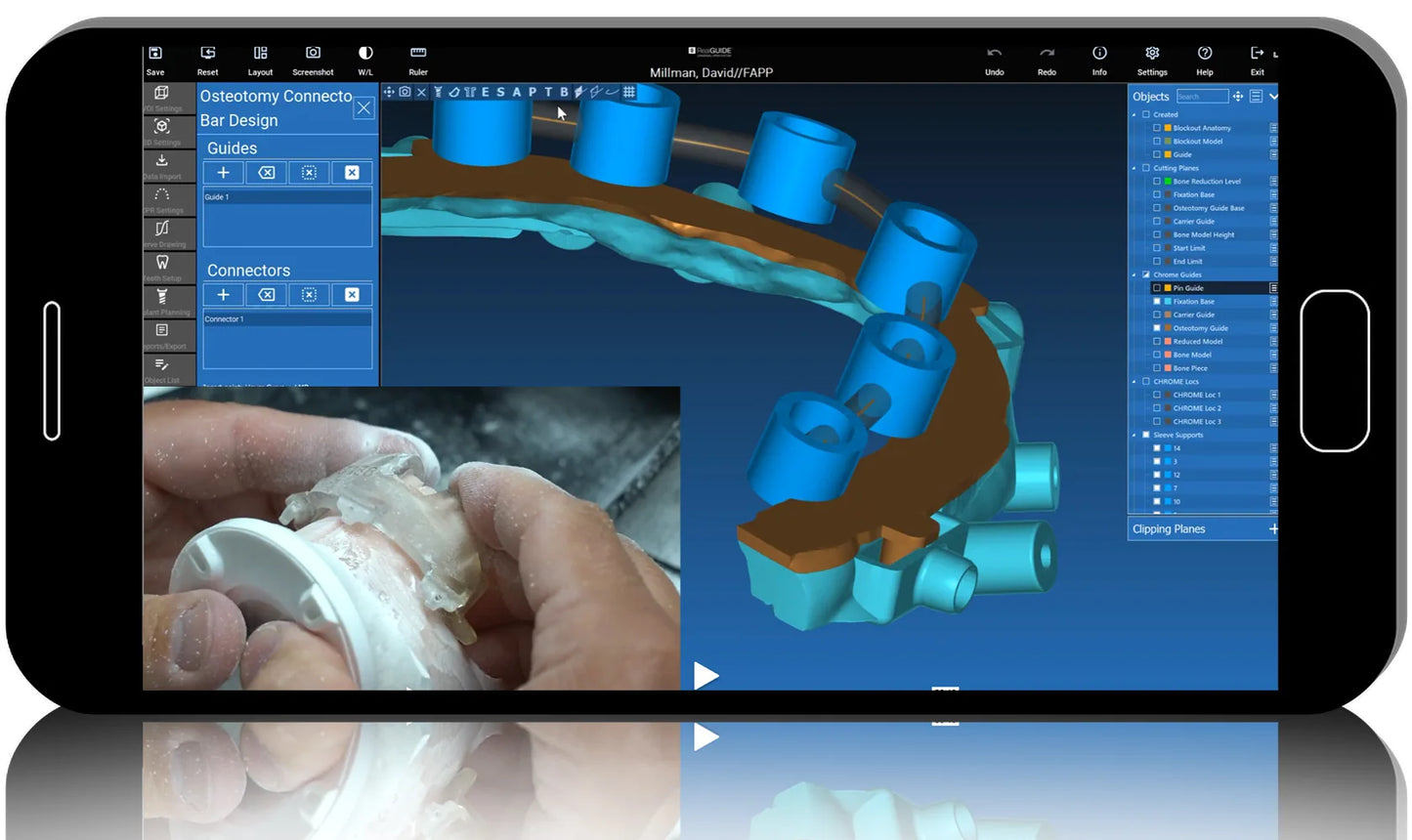
This course teaches the participant how to design a GuidedSMILE case using the GuidedSMILE plug-in within RealGuide. Participants will learn the how to design traditional CHROME GuidedSMILE and the new GuidedSMILE LITE for both dentate and edentulous patients.This revolutionary plan-and-design software allows the user full control over implant and bone reduction planning, the ability to share with colleagues, and the power to turn a plan into a GuidedSMILE product, effectively and quickly.For the first time, one software provides the power of planning and designing a patent-protected, market leading, stackable guided system.You will learn:How to import files into RealGuide – dentate and edentulousHow to do basic implant and pin planning and model preparationDifferent Pin Guide designs variations for dentate and edentulous patientsAll aspects of the GuidedSMILE design processHow to successfully troubleshoot complex cases

Course Content:

<div class="course-lessons">
<p>Module 1: RealGuide software Tutorials</p>
<hr>
<p>Module 2: RealGuide software Additionnal Tutorials</p>
<hr>
<p>Module 3: Lab Adjustments</p>
</div>