Instant Download
Your unique download link appears right after you complete your purchase, and is also sent instantly to the email address you provided.
Couldn't load pickup availability
Your unique download link appears right after you complete your purchase, and is also sent instantly to the email address you provided.
By Nate Farley, Kent Howell
duration: 14 h 45 m
2 professors
discount 96%%
$481 savings
<div class="course-lessons">
<p>1. Some Basics2. Digital Hybrids: Records to Try-in3. Digital Hybrids: Designing the Final4. Finishing the Hybrid</p>
</div>
instant access right after payment
Permanent access to download your course
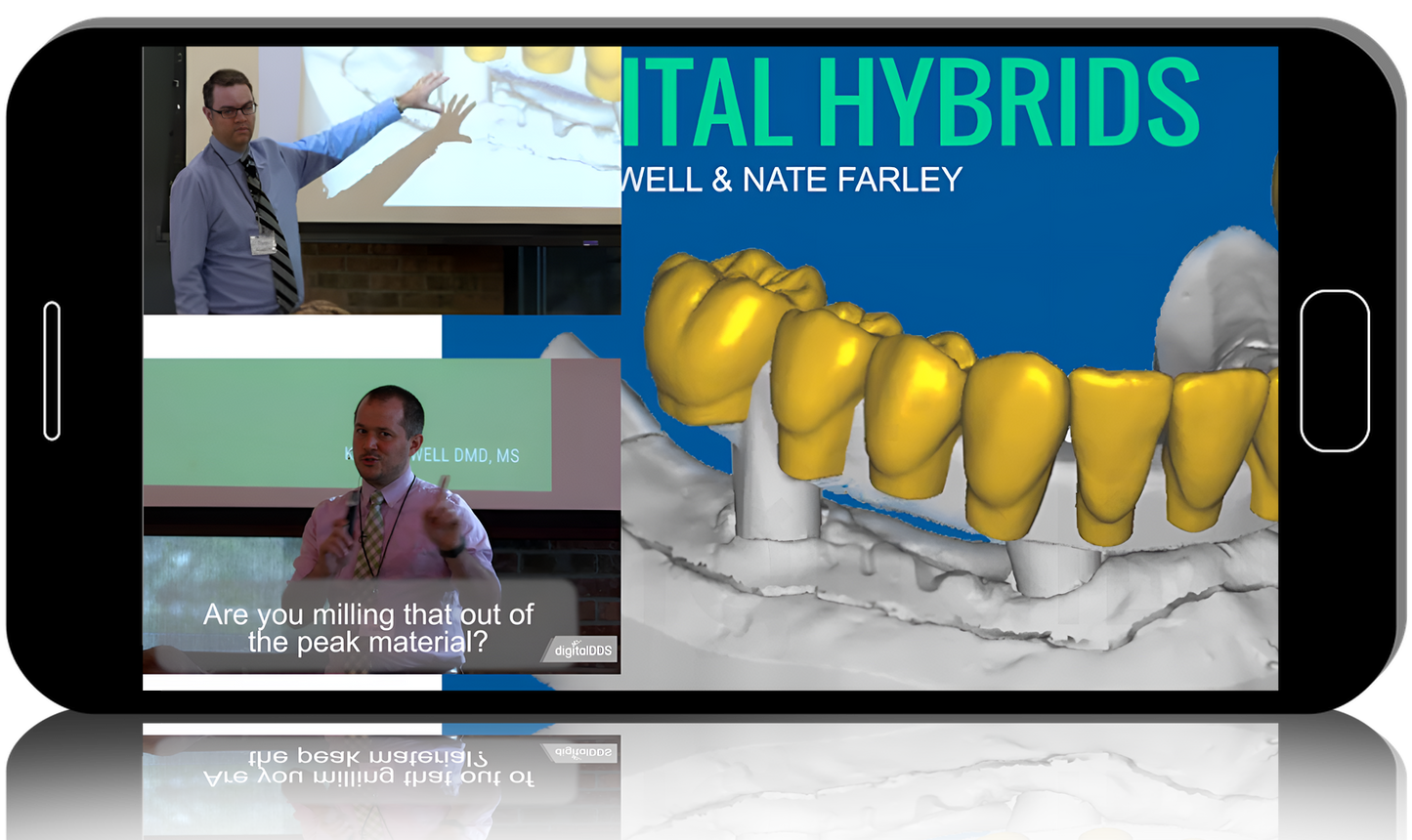
This is our original course on clinical and lab workflows for AOX. This is when we designed thimble frames (from Pekton to titanium) with individual crowns and finished them with Anaxgum. This is pre-photogrammetry as well.In this course though, you will learn how to treatment plan AND design full arch prostheses in a way that will allow you to treat with ANY material you like. We will teach you how to combine multiple types of materials to suit your needs for your patients/docs with simple, easy to design CAD cases using the powerful Exocad CAD software.Full arch implant rehabilitations require precision, attention to detail, and efficiency in order to pull them off accurately with longevity. Many of us have restored these with metal frames, acrylic teeth, and denture acrylics. Those of you that have, have you seen what they look like in a matter of just a few years? Are patients frustrated when they bust teeth off their new and expensive prosthesis?This is an immersion in full arch treatment planning and execution of these prostheses with hands-on CAD DESIGN WITH EXOCAD. Learn why you should consider stepping away from the traditional metal-acrylic hybrids and expand your vision with other materials in the boom of digital dentistry. We will cover the new emerging materials being used as a non-metal alternative (e.g. Pekkton, Trinia, Trilor, etc.) for hybrid frameworks.Learn how to design the wax up, the wear-home try-ins, and the finals digitally in Exocad (dental design software) before learning the ins and outs of printing and milling through this entire process.We are a tandem of prosthodontists who have dedicated their practice to striving for a digital workflow for their patients. Immerse yourself in the answers to the questions that have plagued your mind in wanting to provide this treatment in a more predictable fashion for your patients.During this course, you can expect to experience the following:History of hybrids and an overview on how it's been done since Branemark's initial designsTreatment planning – How, why, what, how many?Clinical steps for pre-operative planning and successHow to utilize digital impression techniques in planning & executing your interim prosthesesImmediate load & conversion prosthesesOcclusal scheme planning for interims vs. finalsDigital workflows for designing the prosthetics in ExocadStep-by-step instructions for final restorationsHow many appointments?What materials?What techniques?Patient management tricks?Utilizing the interims for final prosthesis designFramework designCrown materialsHANDS ON CAD designing in EXOCAD with DEMO SOFTWARE PROVIDED FOR YOU.REQUIRED ITEMS:LAPTOP (Fast & Beefy) with at least 16GB RAM and 1070 Video CardWindows OS (windows 10 preferable)Mouse for designing, cannot rely on track pad on laptopExtension cord (optional)Team Viewer (free software) (teamviewer.com) Choose the personal use option.
<div class="course-lessons">
<p>1. Some Basics2. Digital Hybrids: Records to Try-in3. Digital Hybrids: Designing the Final4. Finishing the Hybrid</p>
</div>